MCP Enterprise Integrations: A Security-First Guide
How to plan safe enterprise AI tool integrations with clear permissions.
Content · Delhi NCR
BlueByte designs content systems that match how you publish: WordPress, headless or custom, with roles, SEO-ready markup and the integrations your site needs.

Definition
CMS development is the design of the system your team uses to publish. BlueByte implements WordPress, headless CMS platforms or a custom admin so a marketer can change a page without waiting on engineering, while the public site stays fast, structured and safe to share across roles.
Corporate sites, stores and journals need different editing models. We pick the platform for the workflow, then add roles, previews and the connectors you rely on.
The test is simple: can the person who owns the campaign ship a page before lunch, without breaking the header?
Fit
Fields, previews and guardrails so publishing is a calm task.
Shared components, localised sites and roles that match the org chart.
Clean URLs, metadata and structured content SEO work can stand on.
Capabilities
When a packaged tool fights the workflow, we shape one that fits.
Clear fields, previews and limits so drafts cannot wreck the live site.
URLs, metadata and structured content Google can parse.
Who can draft, who can publish, and an audit trail when it matters.
The right model for editors, speed and the number of front ends you need.
CRM, DAM, forms, commerce and analytics without copy-paste.
Scope
A clear list beats a mood board. This is the default. We cut or add in the proposal.
Method
Visible work. Dated slices. No mystery sprint.
The real process, including the unofficial spreadsheet.
Types, fields and relationships that match the site, not the CMS brochure.
Admin, preview and the public templates together.
A session with the people who will live in it on Monday.
Sectors
Same craft, different grain. Read how we approach the industries we know.
Questions
It depends on editors, languages, integrations and who will maintain it. We recommend after a short workflow review, not from a default.
Yes. Theme or block builds, custom plugins, and hardening so the site is not a plugin pile.
When the front end needs to live in more than one place, we separate content from presentation and keep editors in one admin.
That is the point. Training and a simple editing model are part of delivery.
Yes. We move content, media and URLs, then leave redirects behind.
Only if you ask for a custom admin. Otherwise we prefer platforms you can hire for later.
Also in the studio
Journal
Three current pieces on enterprise AI. Written this month, not recycled roundups.
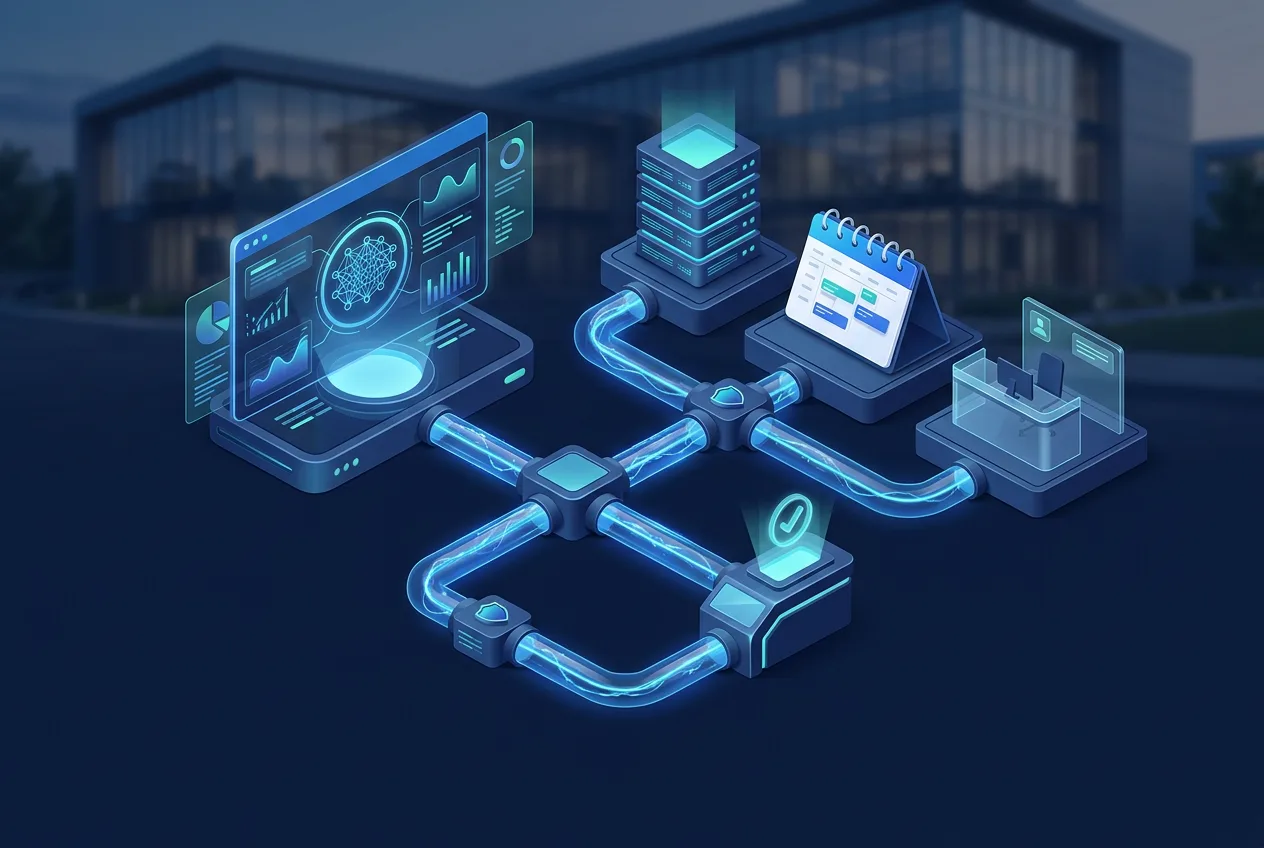
How to plan safe enterprise AI tool integrations with clear permissions.
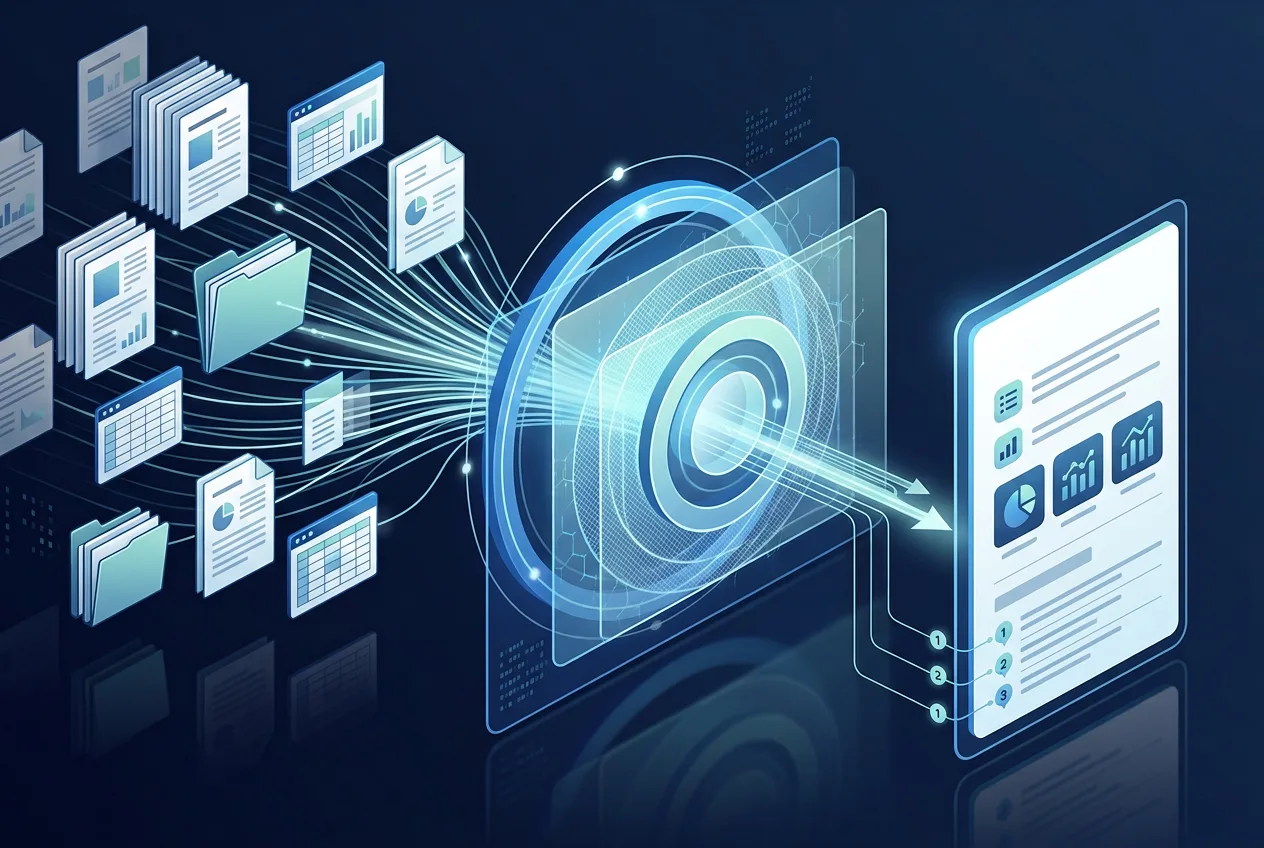
Prepare documents, preserve access rules and measure search quality.
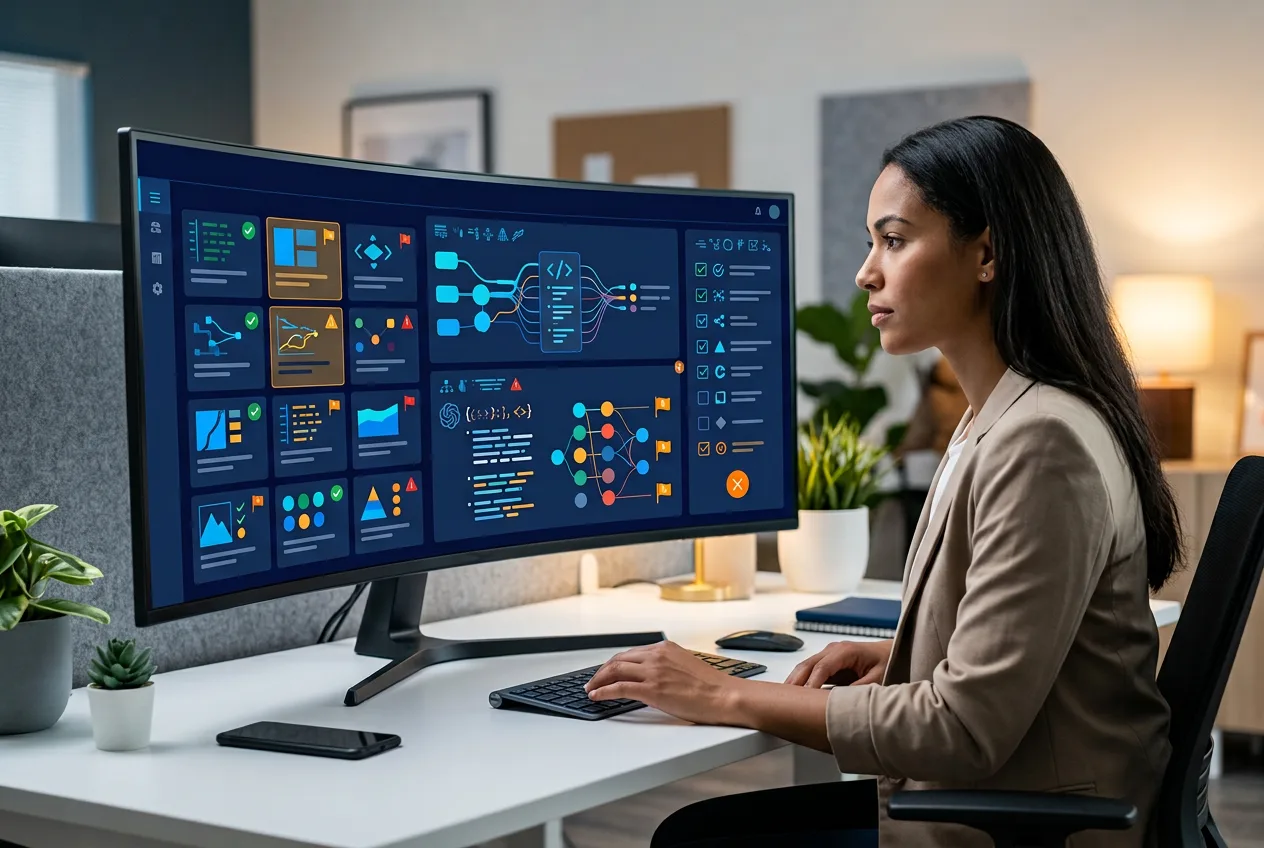
Evaluate responses, build test sets and use release gates for production AI.
Begin
Send the brief. We will answer with a clear next step, not a deck full of fog.